Sending your first event
There are two ways to start sending events to ToBeAlert, using an API key or the built-in alert simulation feature.
Sending alerts with an API key
Getting the API key
After logging in with the credentials from the docker-compose.yaml click the API Keys button on the sidebar and copy your already existing API key:
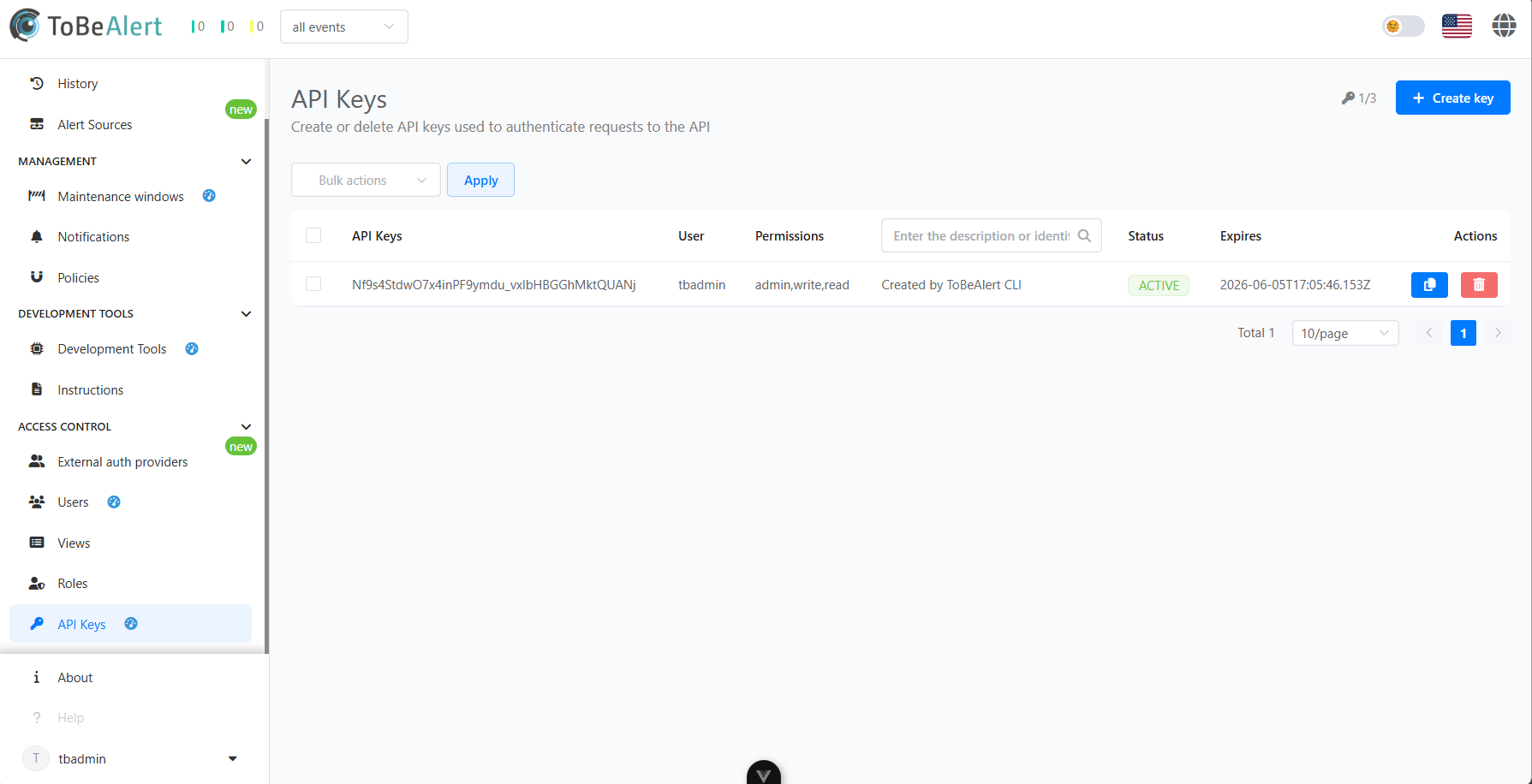
For Linux systems, copy this command and edit the API key at line 3 and the rest of the highlighted lines to your liking.
docker exec tobealert-backend curl --location 'http://localhost:9000/api/alert' \
--header 'Content-Type: application/json' \
--header 'Authorization: Key $API_KEY' \
 --data '{
    "alert_id": "test",
      "attributes": {
      },
      "environment": "Production",
      "event": "test",
      "group": "Web",
      "origin": "curl",
      "resource": "azure-ws-1",
      "service": [
        "yourapp.com"
      ],
      "severity": "minor",
      "tags": [
        "cloud"
      ],
      "text": "Something went wrong",
      "type": "exceptionAlert",
      "value": "Bad Gateway 501"
    }'
For Windows systems, run the same command but on a single line.
docker exec tobealert-backend curl --location "http://localhost:9000/api/alert" --header "Content-Type: application/json" --header "Authorization: Key $API_KEY" --data "{\"alert_id\": \"test\", \"attributes\": {}, \"environment\": \"Production\", \"event\": \"test\", \"group\": \"Web\", \"origin\": \"curl\", \"resource\": \"azure-ws-1\", \"service\": [\"yourapp.com\"], \"severity\": \"minor\", \"tags\": [\"cloud\"], \"text\": \"Something went wrong\", \"type\": \"exceptionAlert\", \"value\": \"Bad Gateway 501\"}"
And you are all set up.
Sending alerts with the alert simulation feature
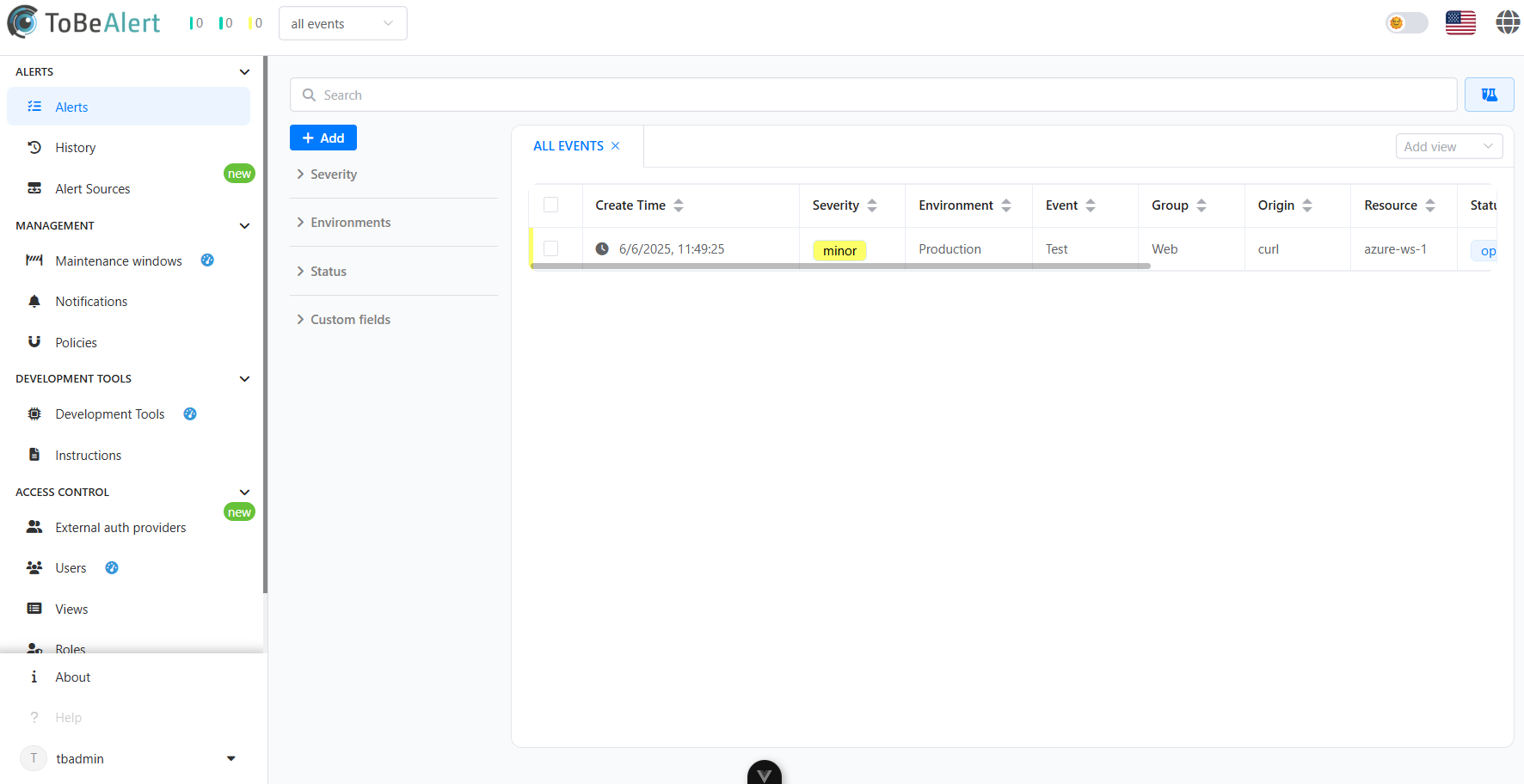
To send an alert from the Alerts view:
- Navigate to the Alerts view
- Click on the Simulate button located next to the search bar
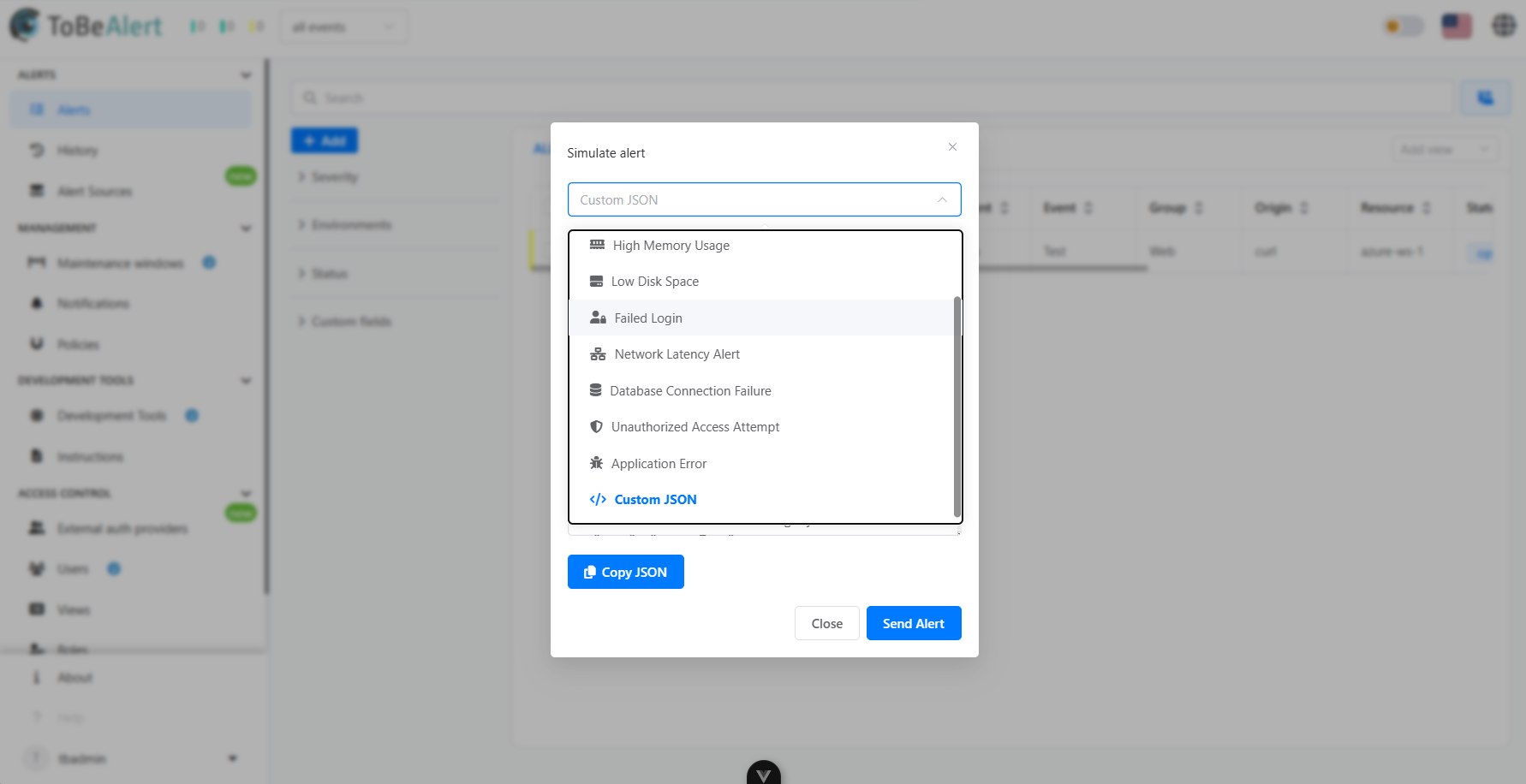
- Select a pre-done type of alert or use a custom JSON
- Click the "Send Alert" button