Creating and managing
Route: /maintenance-windows
See also: Overview · Impact on alerts
Create a maintenance window
- Open Management → Maintenance Windows.
- Click Create maintenance window.
- Fill in the drawer fields (see below).
- Click Create.
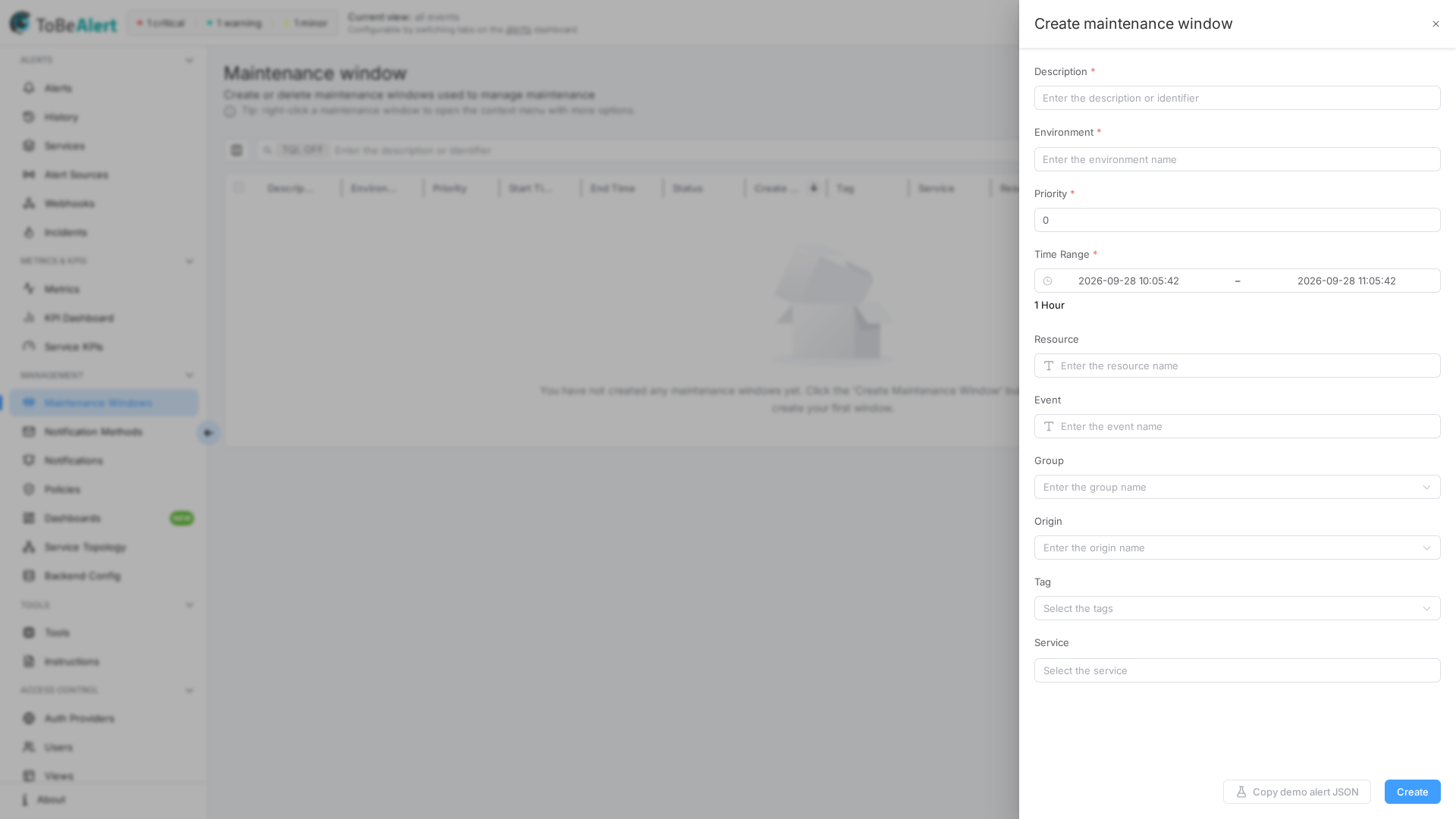
Form fields
| Field | Required | Description |
|---|---|---|
| Description | Yes | What maintenance is happening (shown in the table) |
| Environment | Yes | Target environment — autocomplete from known alert environments |
| Priority | Yes | Numeric priority when several windows match the same alert (lower number = higher priority). Default: 0 |
| Time Range | Yes | Enter the start time and Enter the end time (date-time pickers). Duration is shown below the range. Dates before yesterday are disabled |
| Resource | No | Limit to one resource (prefix icon in the field). If empty, saving triggers a confirmation for an environment-wide window |
| Event | No | Limit to one event type |
| Group | No | Select from existing alert groups |
| Origin | No | Multi-select origins (create new values allowed) |
| Tag | No | Multi-select tags (field label is singular "Tag" even though it accepts multiple values) |
| Service | No | Multi-select services |
A Copy demo alert JSON button next to Create copies a sample alert payload matching the window's current scope — useful for testing with the API.
Empty optional fields mean “match any value” for that dimension — see Impact on alerts.
Environment-wide confirmation
If you leave Resource empty and click Create, ToBeAlert asks you to confirm before applying the window to the whole Environment. Use Continue to proceed or Cancel to go back and narrow the scope.
The confirmation string may appear as a translation key in English builds; the intent is to warn that all open alerts in the environment can enter Maintenance while the window is active.
Edit, duplicate, enable, disable, delete
| Action | How |
|---|---|
| Edit | Click Description, double-click the row, or bulk Edit (one row). Footer button: Update |
| Duplicate | Bulk Duplicate — copies selected windows |
| Enable | Bulk Enable — sets Start Time to now and End Time to one hour later (reactivates expired windows) |
| Disable | Bulk Disable — sets range to the last hour ending now (effectively expires the window). Disabled when the single selected row is already expired |
| Delete | Row trash icon or bulk Delete — confirmation required |
Closing the drawer with unsaved edits shows the standard unsaved-changes prompt.
Tip: Right-click a maintenance window row to open a context menu with the same actions (Edit, Duplicate, Enable/Disable, Delete).
Table columns
| Column | Description |
|---|---|
| Description | Window description (click to edit) |
| Environment | Target environment |
| Priority | Numeric priority |
| Start Time / End Time | Active range |
| Status | active, pending, or expired |
| Create Time | When the window was created |
| Tags, Service, Resource, Event, Group, User | Scope and metadata |
| Actions | Edit, Delete (with permission) |
For sorting, Column manager, pagination, row selection, and bulk actions, see List tables and bulk actions. On this screen, pagination persists in the URL (page, size).
Search and filters
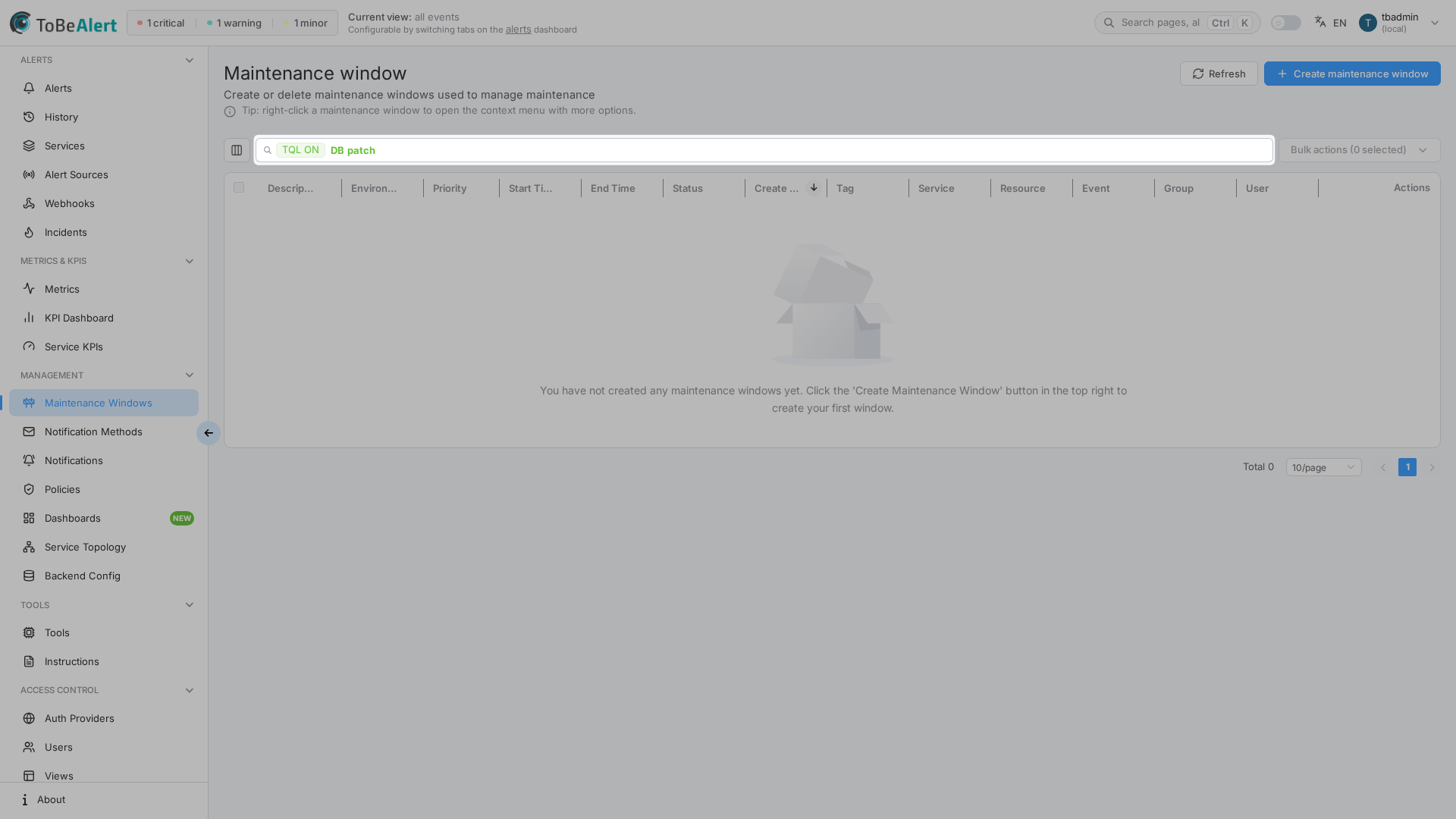
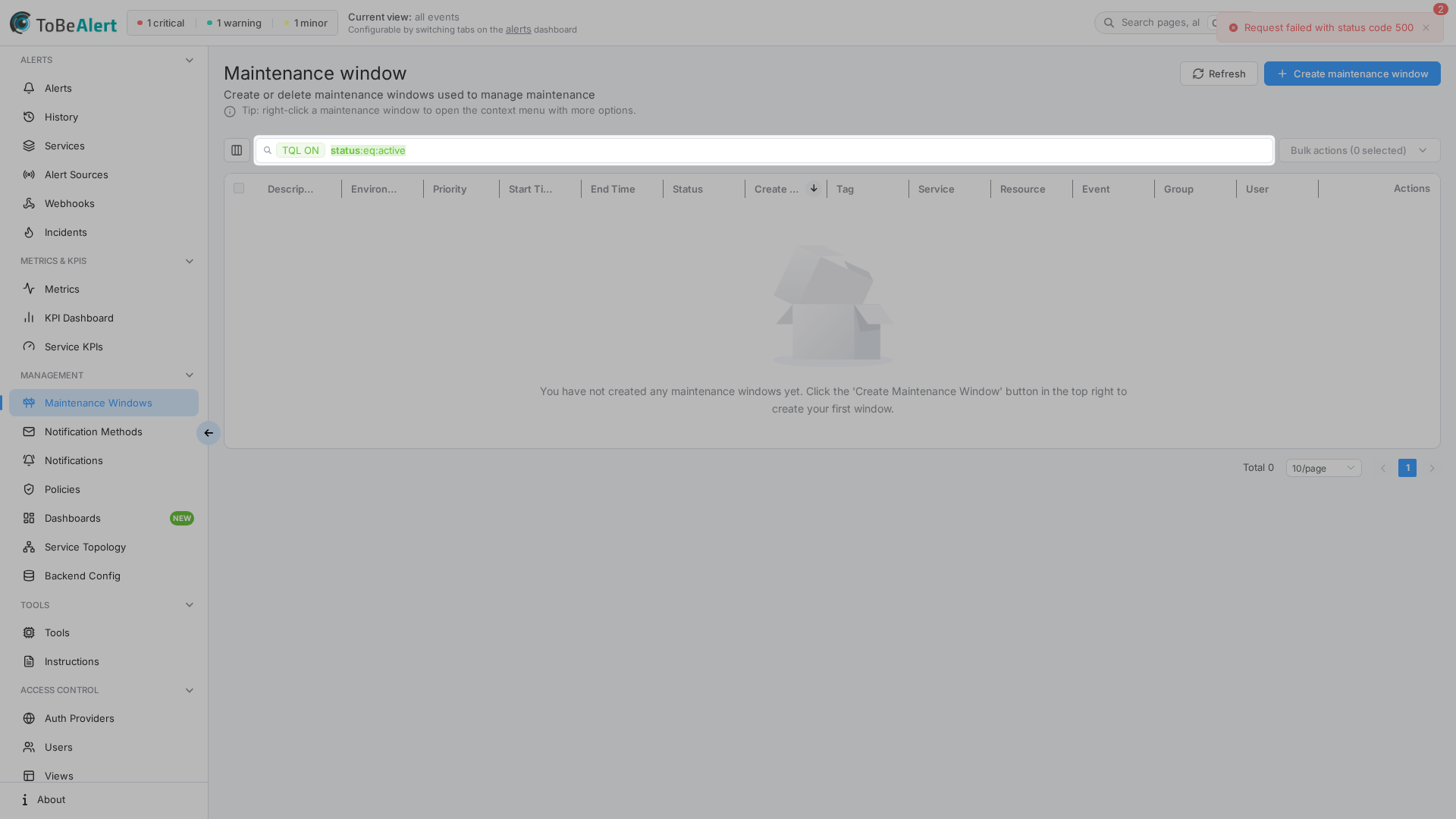
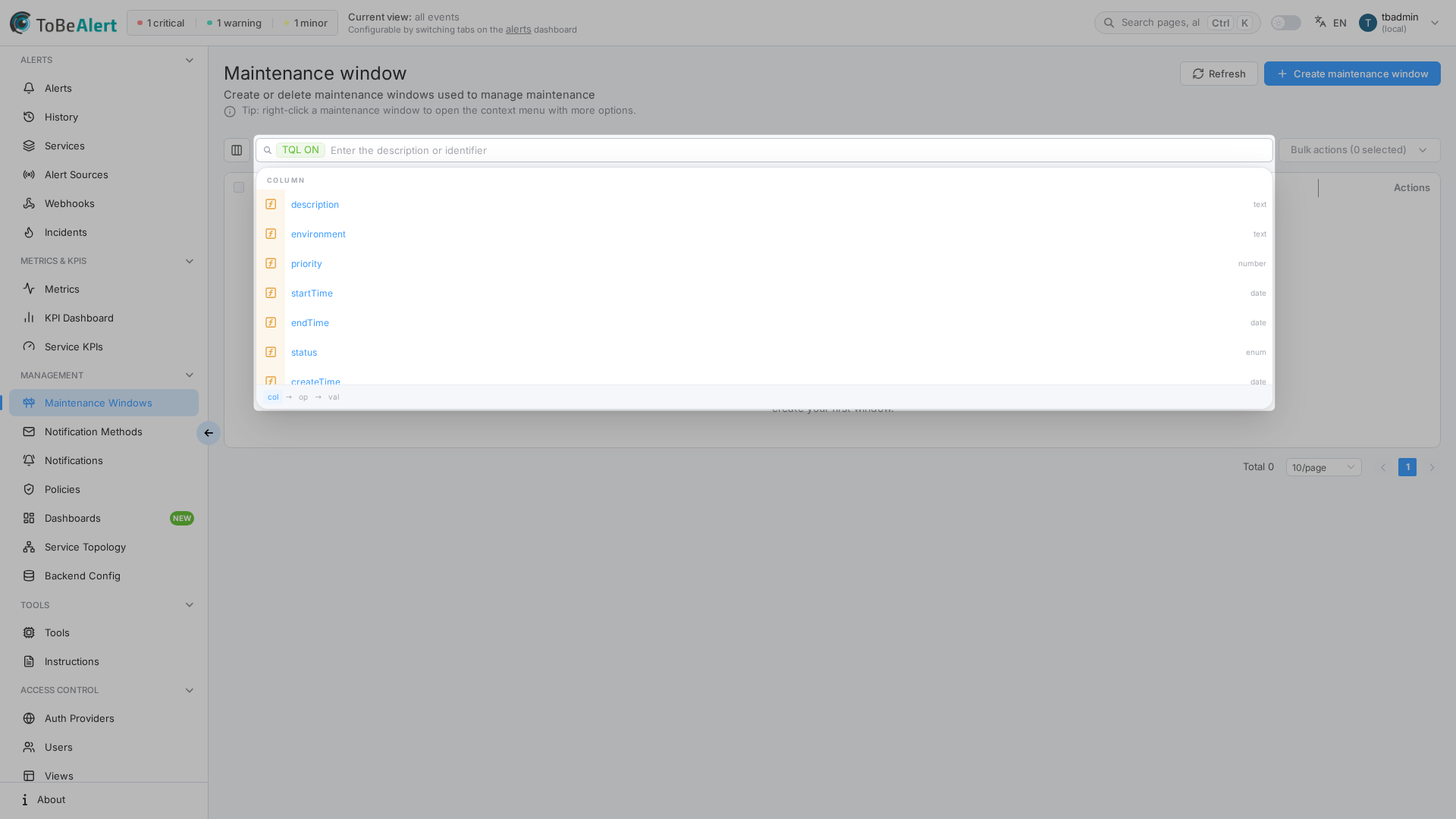
The list search bar uses placeholder Enter the description or identifier. Plain text filters as you type; the TQL ON / TQL OFF tag enables structured TQL filters. Shared behavior — syntax, autocomplete, plain vs TQL — is in TQL search and filters.
Examples for maintenance window columns:
status:eq:activeenvironment:eq:productiondescription:contains:patchresource:contains:webpriority:lt:5
Example scenarios
Database patch on one host
| Field | Value |
|---|---|
| Description | DB patch — web-server-01 |
| Environment | production |
| Resource | web-server-01 |
| Time Range | Today 02:00 – 04:00 |
| Priority | 0 |
Planned network maintenance for a service
| Field | Value |
|---|---|
| Description | Core switch upgrade |
| Environment | production |
| Service | network-core |
| Tags | maintenance, change-window |
| Time Range | Saturday 22:00 – Sunday 06:00 |
Staging environment freeze (wide scope)
| Field | Value |
|---|---|
| Description | Staging freeze — release prep |
| Environment | staging |
| Resource | (empty — confirm environment-wide) |
| Time Range | Friday 18:00 – Monday 08:00 |
| Priority | 5 |
Best practices
- Match Time Range to the real maintenance slot; pad 15–30 minutes if needed for slow systems.
- Prefer Resource or Service over environment-wide windows.
- Use Duplicate for recurring patterns, then adjust dates.
- Disable instead of Delete if you may reuse the same definition soon.
- Document the change ticket or owner in Description for audit trails.