API Keys
Overview
ToBeAlert provides an API key management system that allows users to create keys used to authenticate requests to the API.
API keys Management
Creating API keys
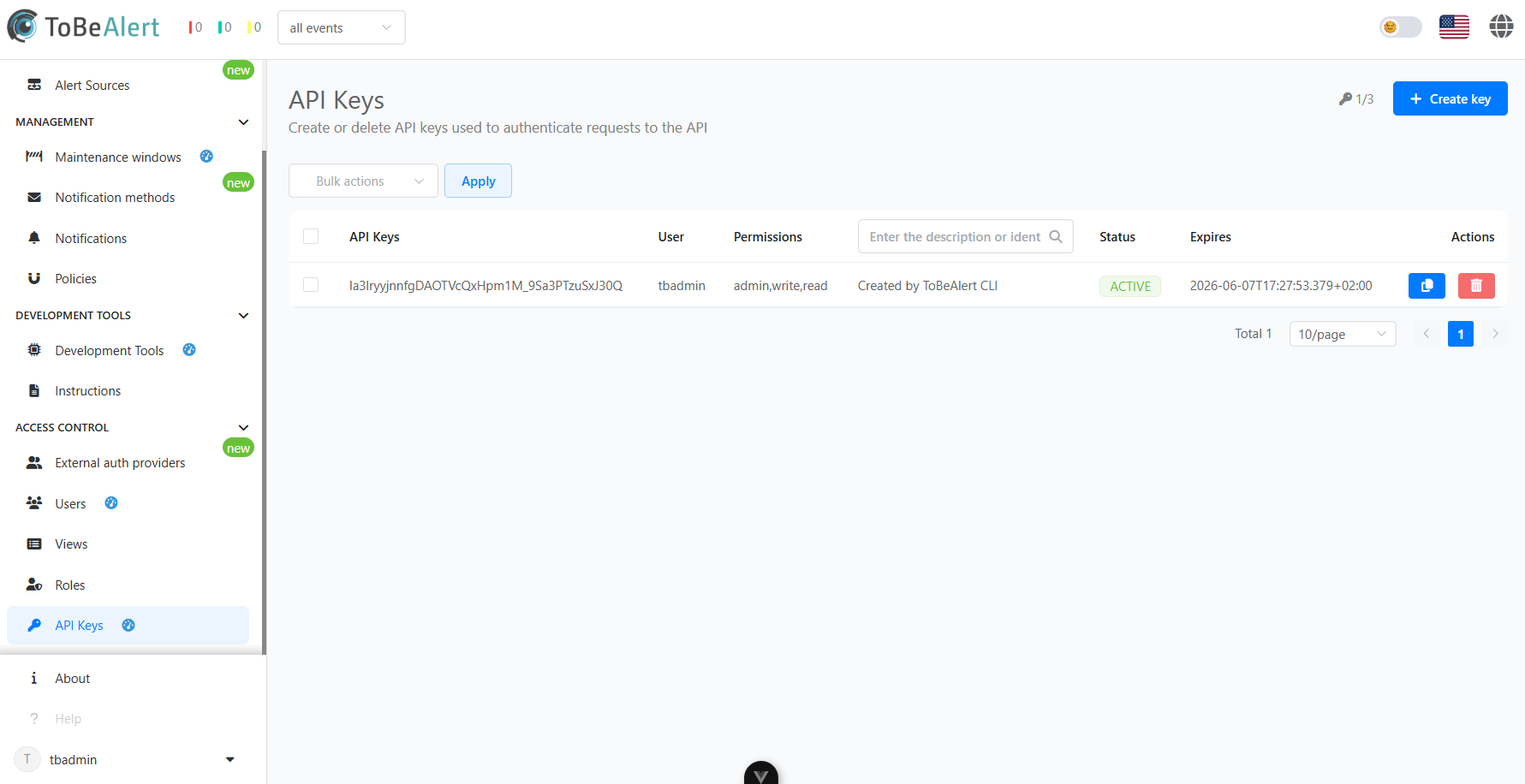
Users can create an API key through the API keys interface:
- Navigate to the Access Control section
- Select the API keys tab
- Click the "Create key" button
- Fill in the required information:
- Owner
- Expiration date
- Permissons
- Description (optional)
- Save the API key configuration
API key properties
Each API key includes the following properties:
| Property | Description |
|---|---|
| Owner | Owner of the API key. the username will be registered in the history each time the key is used |
| Expiration date | The date on which the API key expires and is no longer usable |
| Permissions | The actions the API key is able to perform. More information on the Permission Categories section |
| Description | Additional information about the API key |
Best practices
For secure and effective API key management:
- Use descriptive key names – Identify the purpose and owner of each key at a glance
- Grant minimal access – Limit each key’s permissions to only what’s necessary
- Set expiration dates – Avoid long-lived keys by enforcing expiry when possible
- Rotate keys regularly – Periodically generate new keys and retire old ones
- Audit key usage – Monitor and review key activity for unusual behavior