Views management
Overview
In ToBeAlert, views allow administrators to organize control alert visibility.
Purpose of views
Views in ToBeAlert serve several important purposes:
- Organizational structure - Reflect your team or department structure
- Alert visibility - Control which alerts users can see
- Bulk user management - Apply alert visibility to multiple users at once
- Operational boundaries - Separate responsibilities between teams
- Simplified administration - Manage access at a view level rather than individual user level
Creating and Managing views
Creating a New view
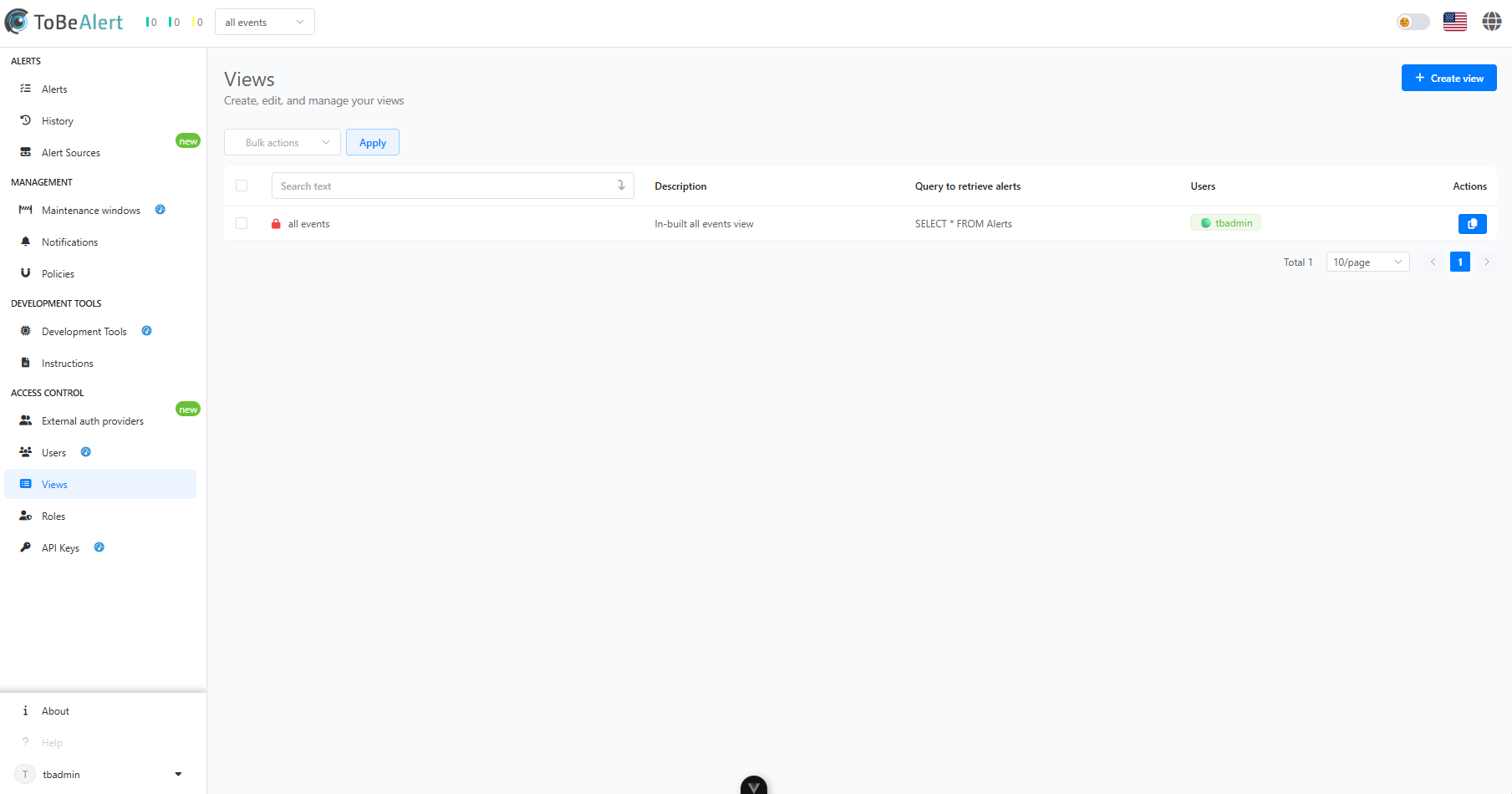 To create a new view:
- Navigate to the Access Control > Views tab
- Click the "Create View" button
- Enter a name for the view
- Provide a description explaining the view's purpose
- Configure the conditions that an alert must meet to be displayed on the view
- The conditions are defined by queries. At least one query is needed to create the view
- There are two ways to define queries. An "Easy mode", to define them interactively using selectors, and an "Advanced mode", to enter one or more queries in SQL format.
- Save the view configuration
View properties
Each group includes the following properties:
| Property | Description |
|---|---|
| Name | Unique identifier for the view |
| Description | Explanation of the view's purpose |
| Members | Users assigned to this view |
| Alert Query | Default query applied to alerts for this view |
Assign a user to a view
For a user to access a view, it must be assigned in the user's configuration:
- Navigate to the Users tab
- Edit the user you want to assign the view to
- Assign the view
- Save the user configuration
Alert visibility and views
Views play a crucial role in determining which alerts users can see:
- Users can only see alerts associated with their views
- Alerts can be associated with multiple views
- Custom filters can be applied at the view level
Best practices
For effective view management:
- Create logical views - Organize views based on your organizational structure
- Use descriptive names - Make views purposes clear from their names
- Document views purposes - Maintain documentation of your views structure
- Review views membership regularly - Ensure users are in the appropriate views
- Limit views proliferation - Create only as many views as necessary for effective organization