Policies
Overview
ToBeAlert's Policies feature allows users to define transformation rules that are applied to alerts after they are ingested by the system but before they are displayed or stored. This mechanism enables dynamic adjustment of alert attributes based on predefined conditions, ensuring alerts are contextualized appropriately according to organizational needs.
Creating and managing policies
Creating a policy
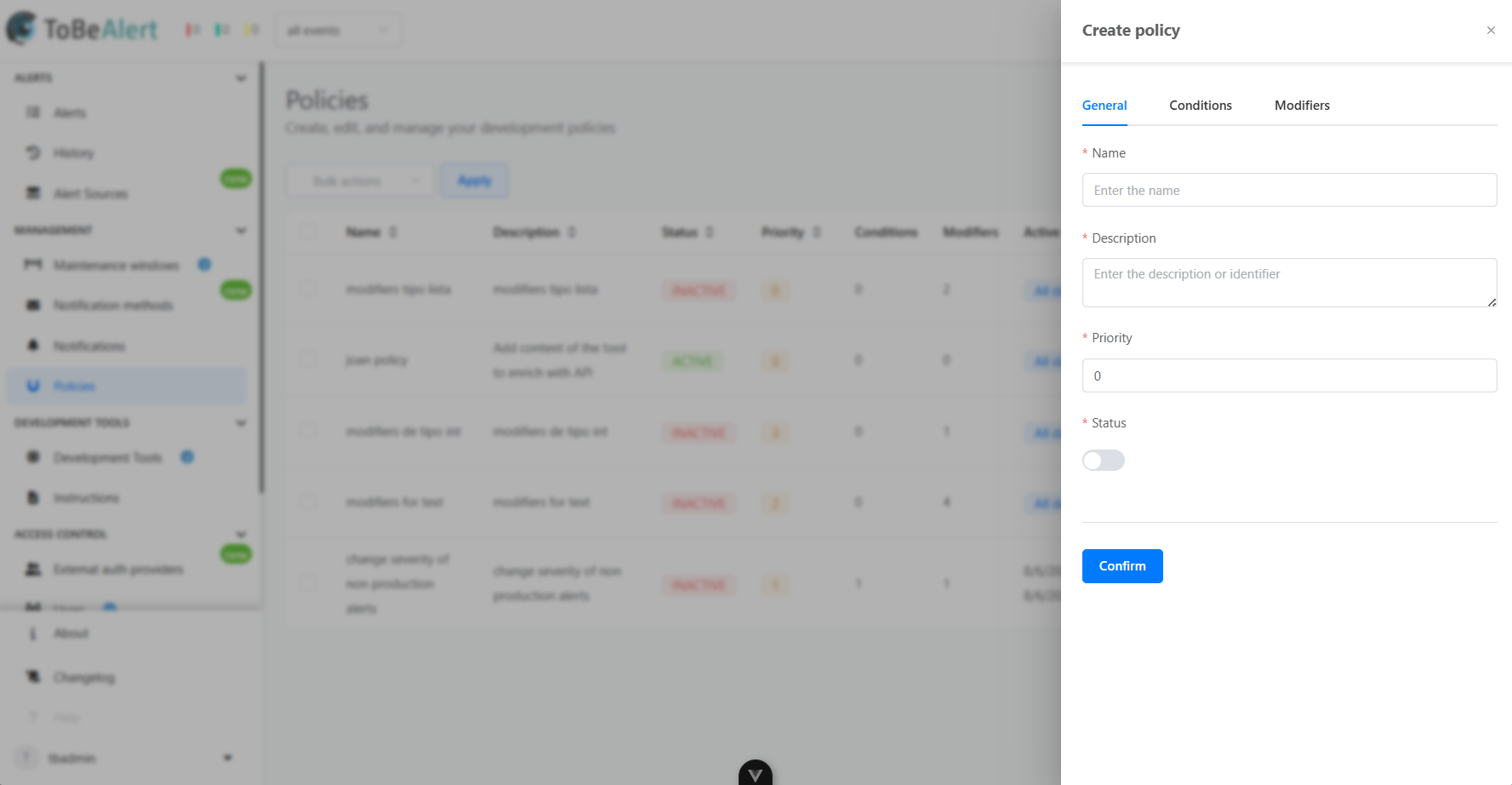
To create a notification rule navigate to the Policies section:
- Click the Create policy button
- Fill in the information:
- General parameters
- Conditions
- Modifiers
- Save the policy configuration
Policy properties
General parameters
| Property | Description |
|---|---|
| Name | Name of the policy |
| Description | Additional information about the policy |
| Priority | The priority attribute determines the order in which policies are applied, starting from 0 upwards. |
| Status | Whether the policy is active or inactive |
Conditions
| Property | Description |
|---|---|
| Condition | Parameters the alert must match for the policy to apply |
| Time range | Time during the policy is active |
| All day | Whether the policy is active all day |
Modifiers
| Property | Description |
|---|---|
| Modifier | Transformation that will be applied to the alert |
| Custom tool | A custom tool can also be applied to the alert. More information on Custom Tools in the next section |
Best practices
For effective policy management:
- Prioritize logically – Assign priority values based on the intended order of execution to ensure correct transformation sequences.
- Be specific – Define clear conditions and modifiers to avoid unintended changes to unrelated alerts.
- Use descriptive names and notes – Document the purpose and expected outcome of each policy for easier maintenance and auditing.
- Review regularly – Periodically review and update policies to align with evolving operational requirements.
- Minimize overlap – Avoid conflicting policies by ensuring that only one policy targets a specific attribute under the same conditions.