Notification groups
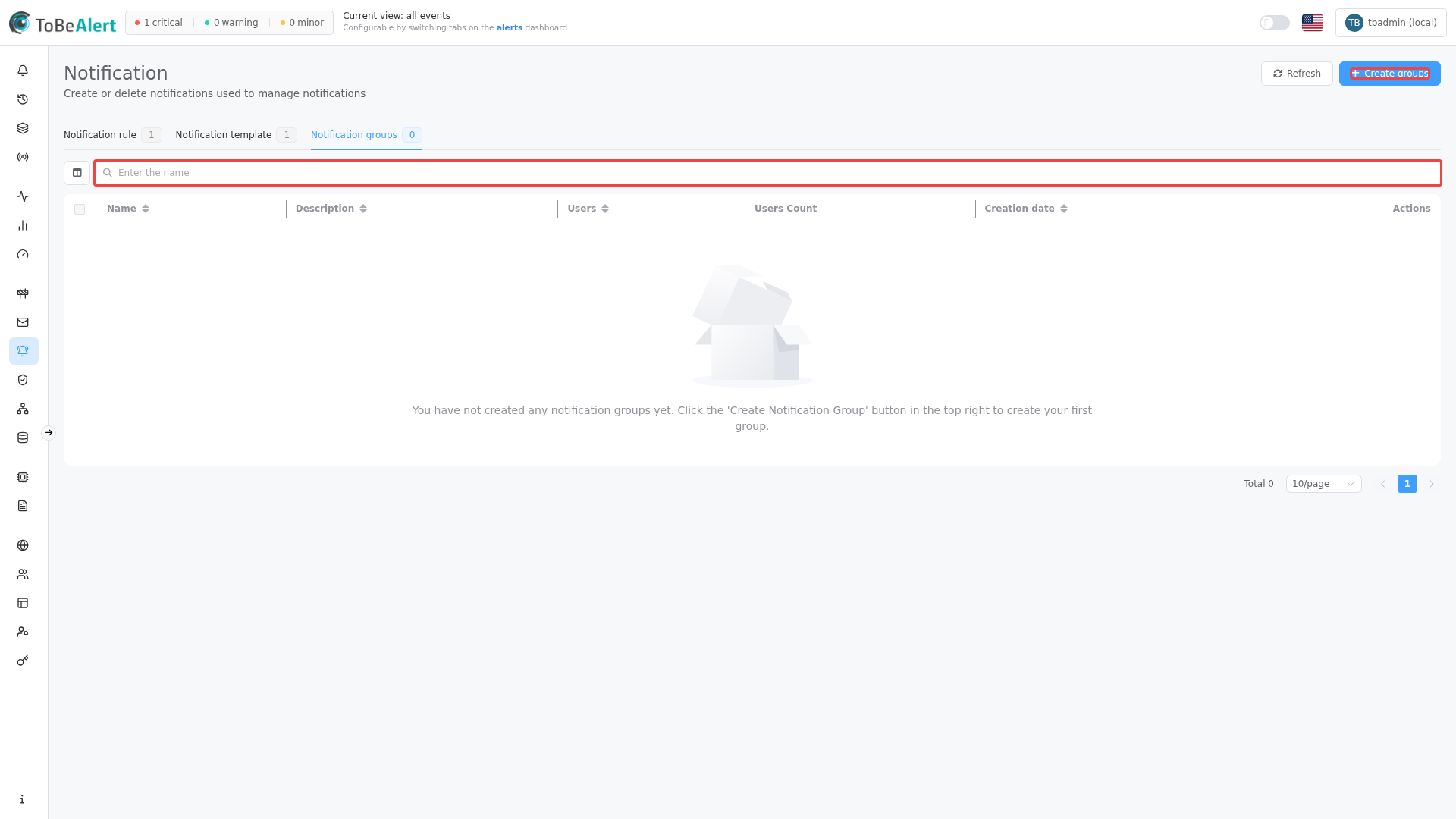
Route: /notifications/groups (tab under Management → Notifications)
A group is a list of ToBeAlert users who receive notifications when a notification rule targets that group.
See also: Overview · Notification methods
Create a group
- Open Management → Notifications → Groups.
- Click Create groups.
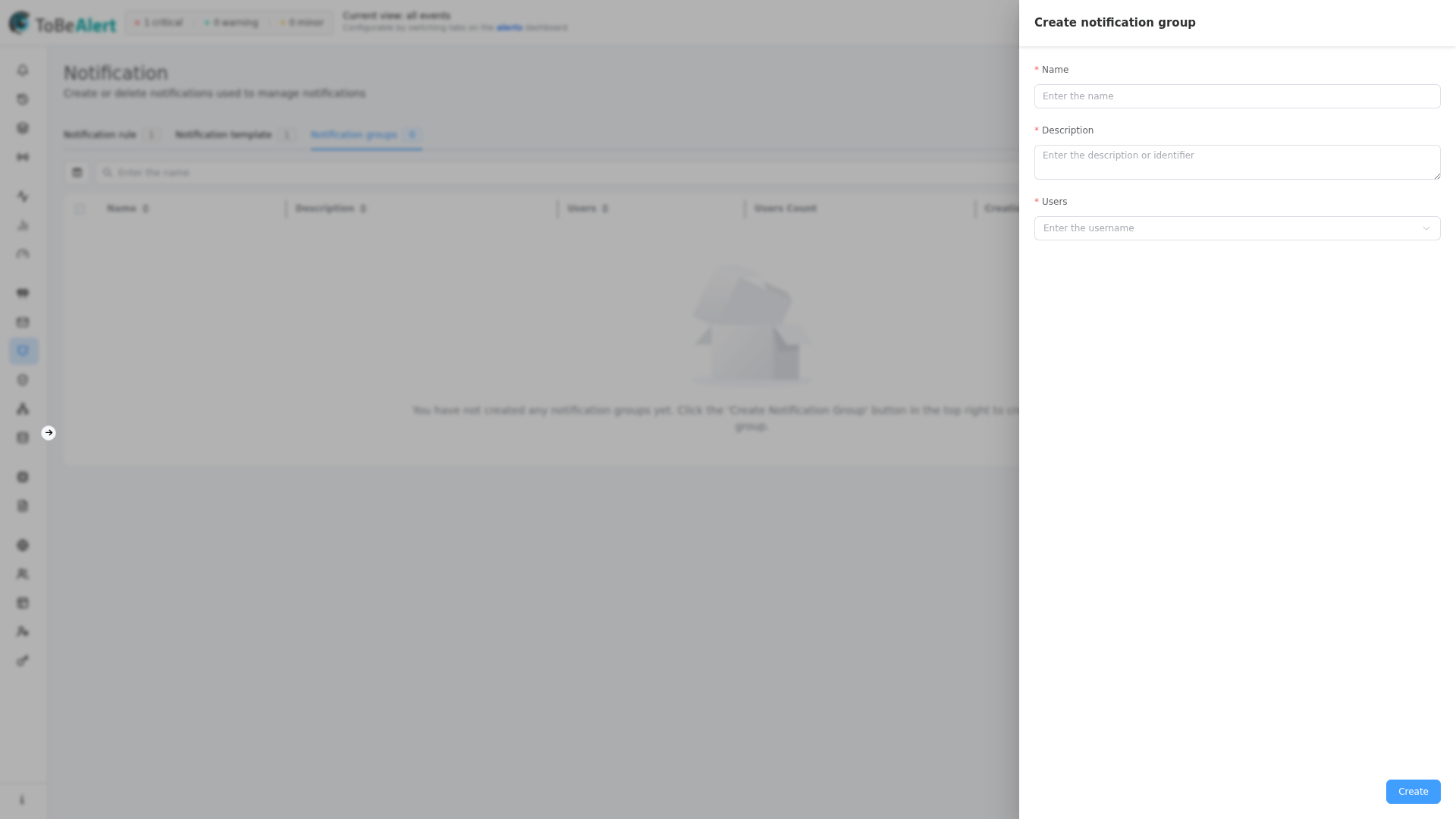
- Fill in:
- Name (required)
- Description (required)
- Users (required) — multi-select from Users
- Save.
Properties
| Field | Description |
|---|---|
| Name | Group name |
| Description | Description |
| Users | Member users (for email notifications, each user needs an email on their profile) |
Table and actions
The table shows Users count and creation time.
| Action | Description |
|---|---|
| Edit | Open the group in the side panel |
| Duplicate | Copy with a new name |
| Delete | Remove selected groups (multi-select) |
In rules, under Actions, choose Use notification group and pick one or more groups as recipients.
Best practices
- Organize groups by team, role, or escalation tier (e.g.
on-call-l1,platform-admins). - Keep group membership in sync with Access Control — rules reference groups, not individual users, when possible.
- Verify users have email configured before relying on email methods for that group.