Incident editor
Route: /incidents/<id> (hidden sidebar item; open from the list)
The editor is a full page: a breadcrumb, header actions, a two-column metadata block, Alerts / Details tabs, and a side card for Notes & Comments. Status actions and Create routing policy sit in the header when you can write incidents. There is no page heading under the breadcrumb, and there are no timeline, activity, topology, or workflow tabs.
See also: Overview · Managing incidents · Alerts dashboard
Breadcrumb: All Incidents → incident name → the active tab (Alerts or Details). If the name is missing, the middle crumb uses Edit incident. All Incidents returns to /incidents.
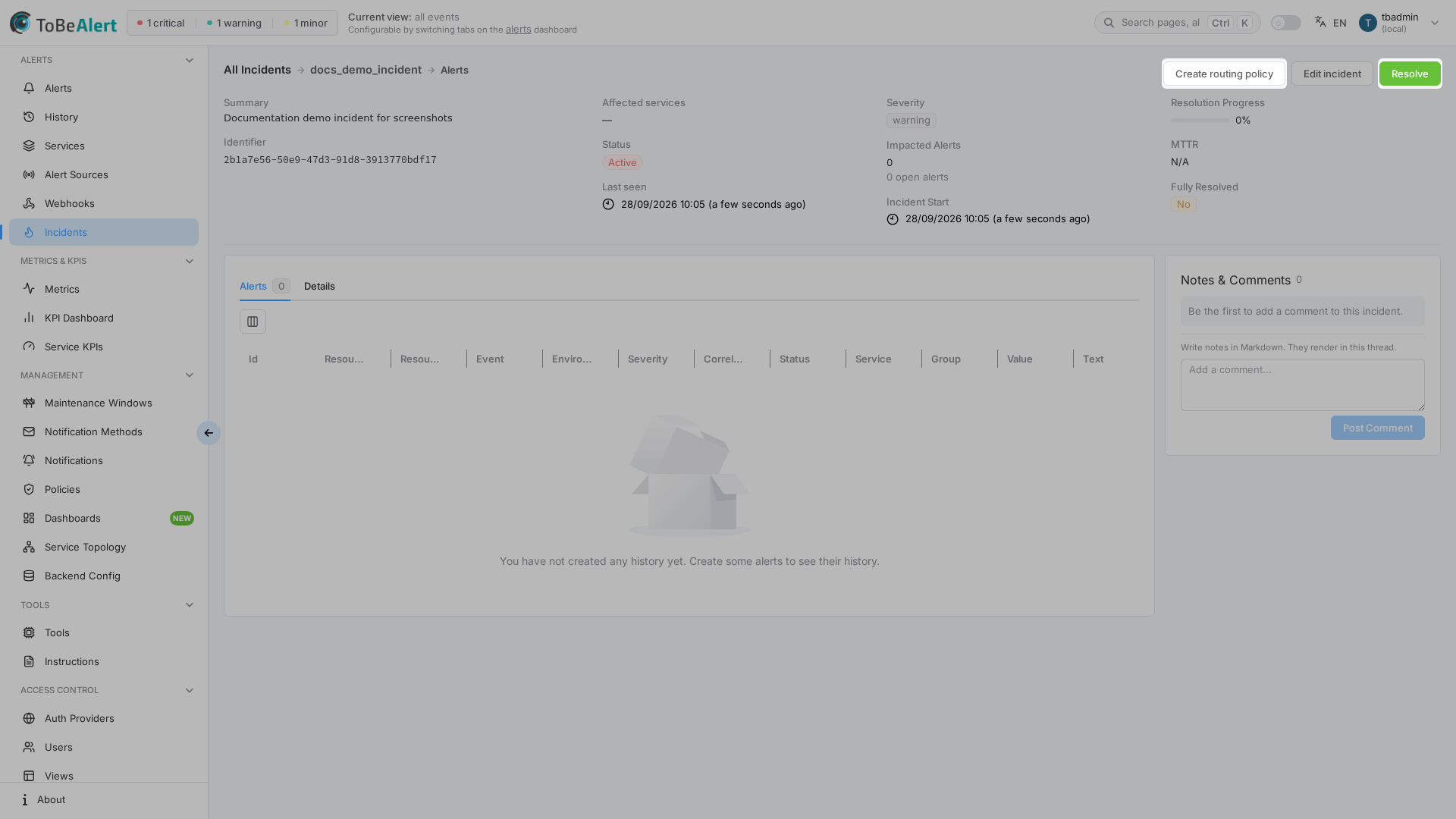
This PNG still shows the previous editor chrome (compact summary card and Editing incident breadcrumb). Recapture incidents-editor.png after the two-column header layout.
Header metadata
The metadata block is not a compact summary card. On wide screens it is two columns.
Left column
| Field | Description |
|---|---|
| Summary | Plain-text incident description, clamped to five lines. Empty description shows — |
| Identifier | Incident identifier |
Right column (two-column grid)
| Field | Description |
|---|---|
| Affected services | Tags for linked services, or — if none |
| Severity | Incident level tag, or — if none |
| Status | Active, Shelved, or Resolved |
| Impacted Alerts | Total linked alerts, plus a badge with how many are still open |
| Last seen | Last update time, or the create time if the incident has not been updated |
| Incident Start | Start timestamp |
| Resolution Progress | Percent of linked alerts that are no longer open |
| MTTR | Time-to-resolve for this incident |
| Fully Resolved | Yes or No |
| Resolved At | Shown only when the incident has a resolution time |
Alerts and Details tabs
Below the metadata, the same Alerts / Details card sits next to Notes & Comments. Switching tabs updates the last breadcrumb crumb. There are no extra tabs.
| Tab | Content |
|---|---|
| Alerts | Linked alerts in an alerts table (no search bar, no bulk actions). Badge shows the count |
| Details | Full Markdown description, or — if empty |
Affected services on the incident restrict which alerts you can attach. Alerts that do not belong to those services cannot be added.
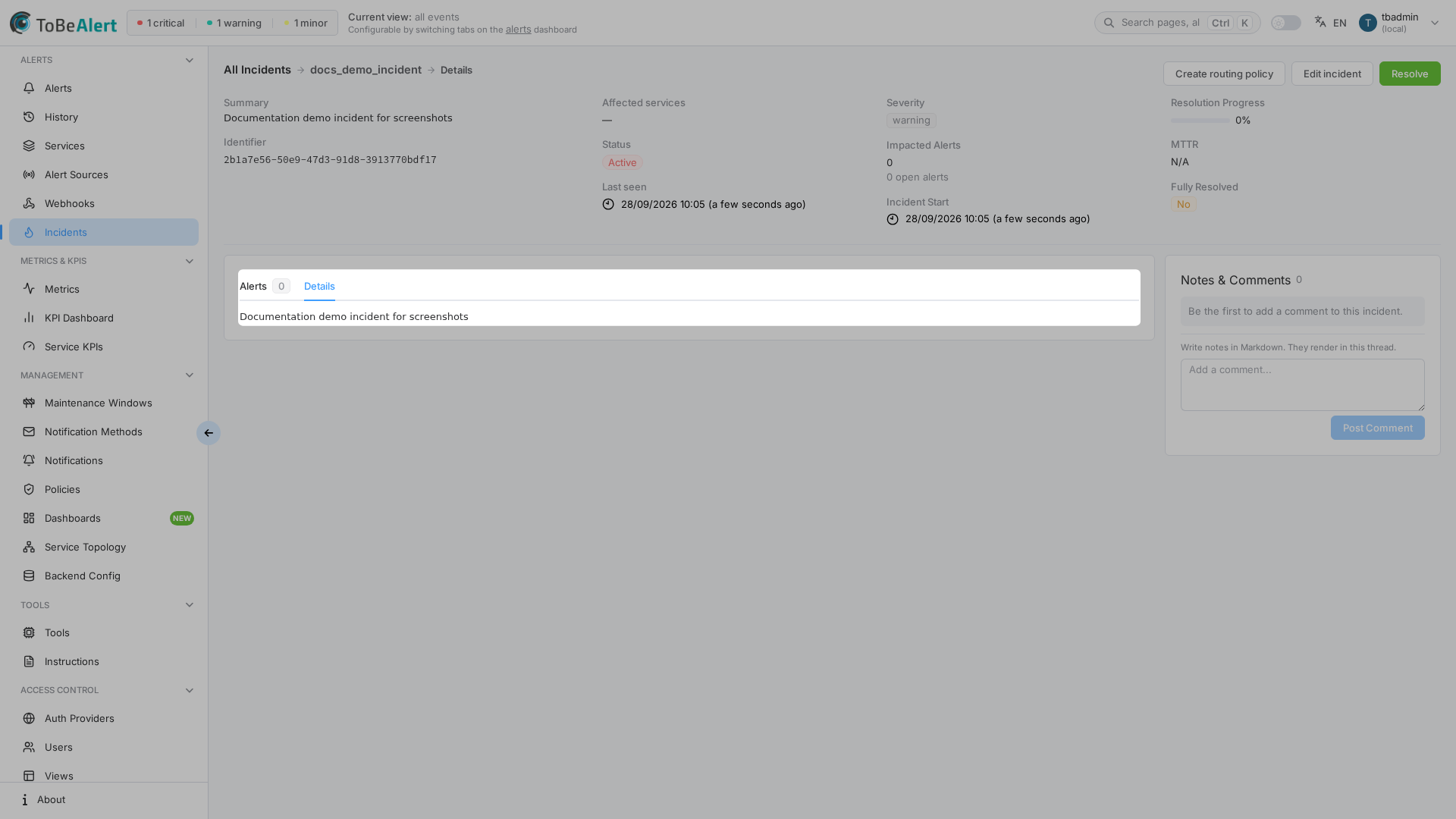
This PNG still shows the previous editor chrome. Recapture incidents-editor-details.png after the two-column header layout.
From the Alerts dashboard, Add to incident / Create new incident requires write:incidents. If an alert is already linked, the details drawer can show Open incident when you have read:incidents.
Header actions (write incidents)
Visible with write:incidents or admin:incidents, top right:
| Action | Description |
|---|---|
| Create routing policy | Opens Policies with a pre-filled rule so matching new alerts are assigned to this incident. A warning appears if the incident is not Active (Routing works best on active incidents…) |
| Edit incident | Same create/edit drawer as the list, without delete |
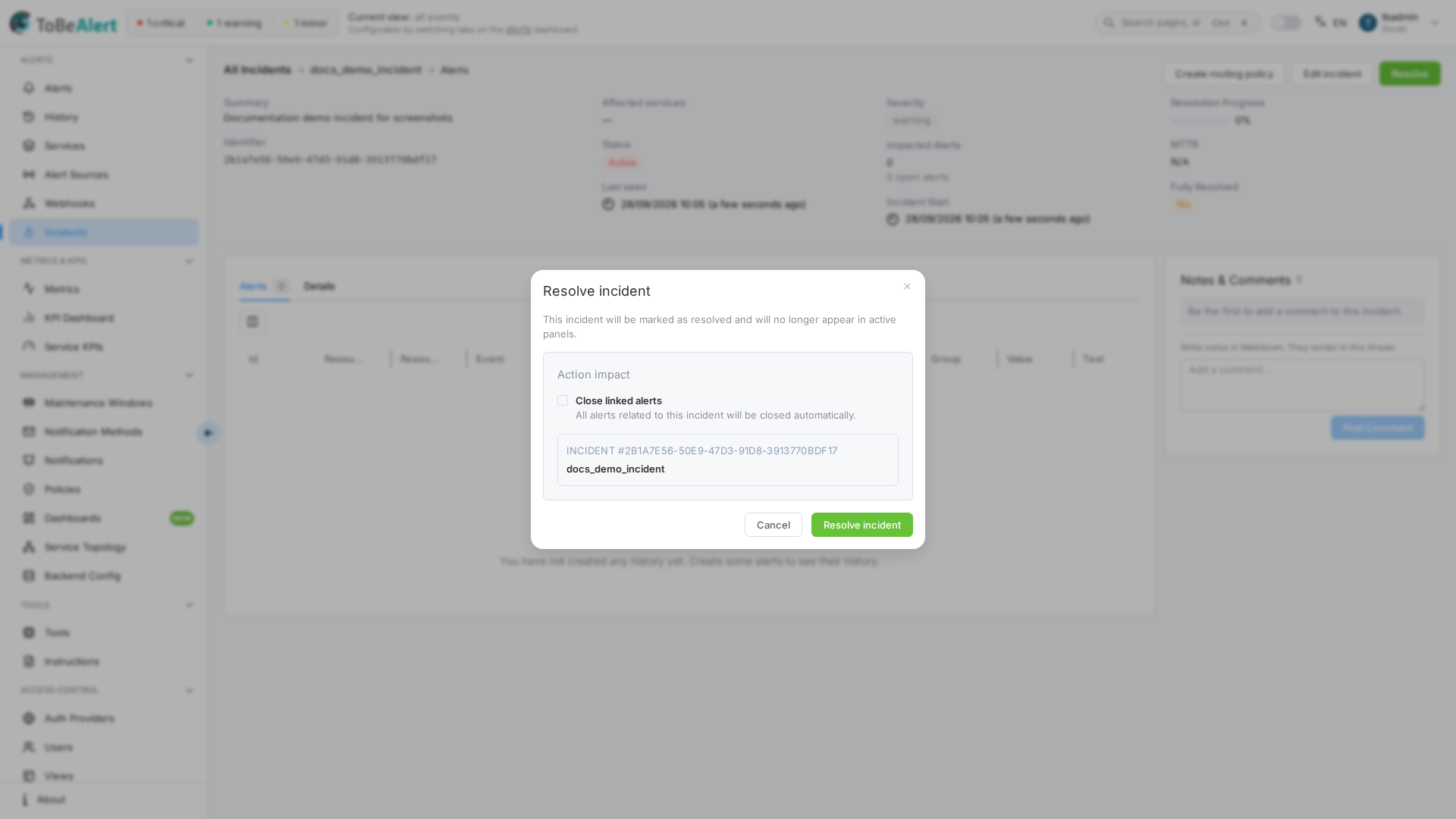
| Resolve | Only when status is Active — see Resolve dialog |
| Shelve | Only when status is Resolved |
| Reopen | When status is Resolved or Shelved |
The editor never shows Resolve and Shelve at the same time.
Resolve dialog
Resolve incident explains that the incident will be marked resolved and will leave active panels.
| Control | Description |
|---|---|
| Action impact | Summary block with an open alerts badge when any remain open |
| Close linked alerts | Closes related alerts automatically. Disabled when there are no open alerts |
| Resolve incident / Cancel | Confirm or dismiss |
Notes & Comments
Incident notes are a side card, not a drawer. They are not alert notes.
| Capability | Permission |
|---|---|
| Read the thread | read:incidents (included in admin:incidents) |
| Add a note (Add a comment… / Post Comment) | write:incident_notes, admin:incident_notes, or admin:incidents |
| Edit or delete your own notes | write:incident_notes (or admin:incident_notes / admin:incidents) |
| Edit or delete any note | write:incidents or admin:incidents |
write:incidents does not show the composer and does not create notes. Hover a note you can change to open Edit message or Delete. Edit uses Edit your current comment. Delete asks Are you sure you want to delete this comment?
Empty state: Be the first to add a comment to this incident. Hint above the composer: Write notes in Markdown. They render in this thread.
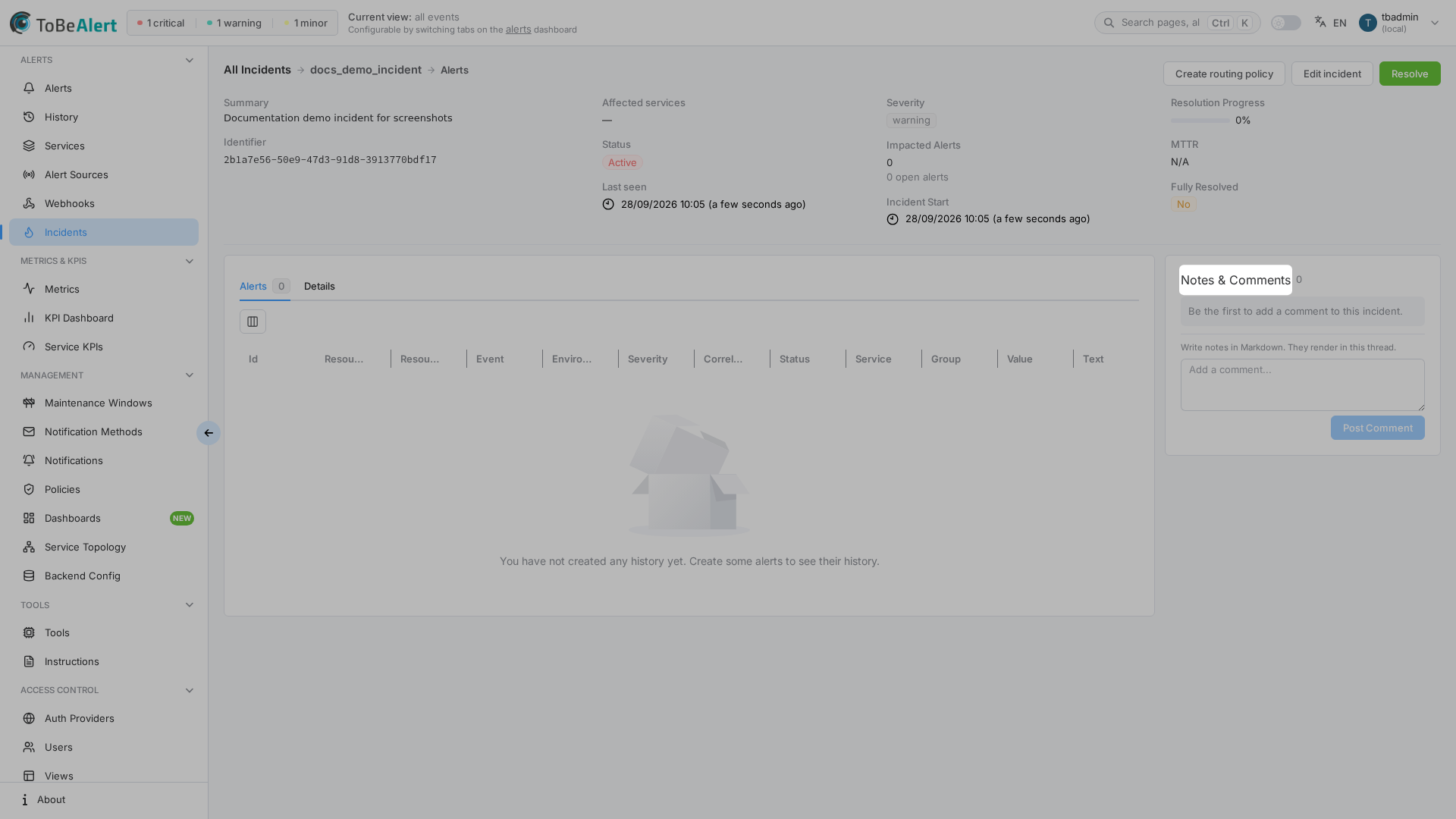
Notes refresh automatically about every 30 seconds.
Best practices
- Open the editor for notes — the list only shows a comment count.
- Grant write:incident_notes to people who should comment without changing incident fields.
- Do not rely on write:incidents for the composer — that permission updates any existing note but cannot add one.
- Create the routing policy while the incident is Active so new matching alerts keep joining the same item.
- Use Close linked alerts on resolve only when you intend to close every attached alert.